
Use the Find a Pharmacy tool to search for an in-network location near you. For the most personalized results, sign in to your member account before filling a prescription.
Filling prescriptions should be frustration-free.
Get to know your Scripius pharmacy coverage and benefits.
Drug & Pharmacy Lookup
If you are not a member yet but want to see which drugs are covered by the RxSelect drug list and in-network pharmacies, use the lookup tools below.

Find a Drug
View covered medications using the Scripius drug search tool.

Find a Pharmacy
Find an in-network pharmacy near you.
90-Day Prescriptions & Home Delivery
Pick up a 90-day supply of your qualifying maintenance medications at participating pharmacies or by mail-order. 90-day supplies offer both convenience and cost savings.

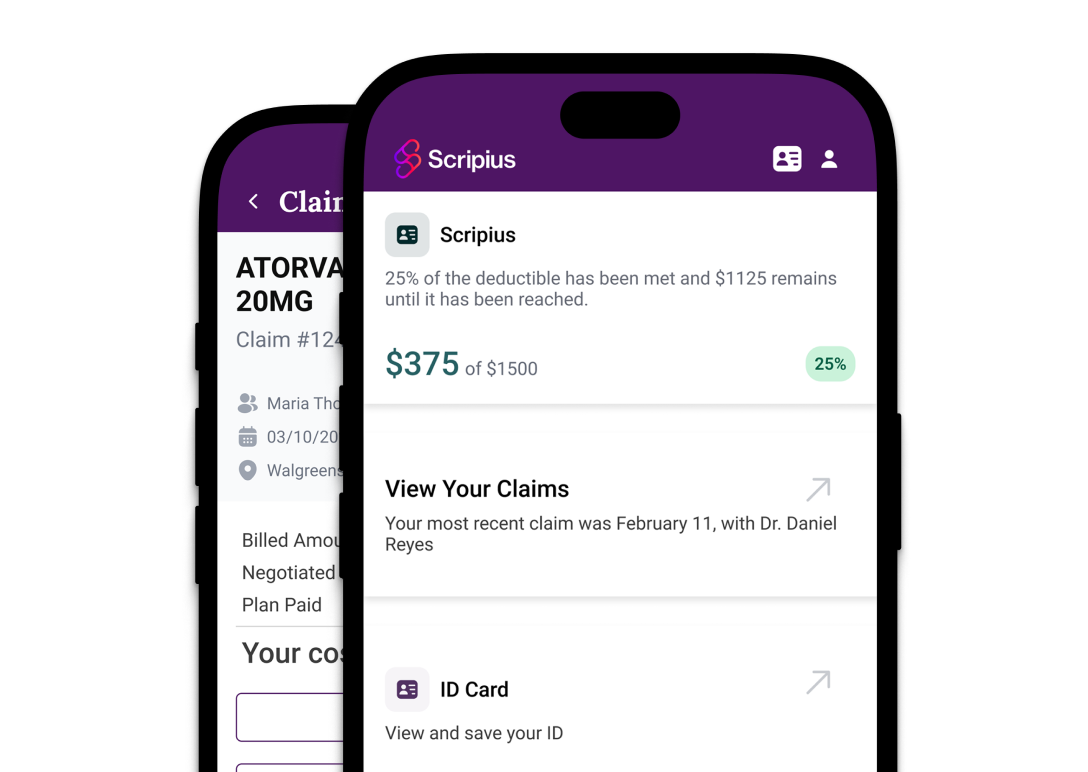
Download the new Scripius app
Compare prescription costs, find in-network pharmacies, and much more
with the Scripius mobile app.
Frequently asked questions
No. If you are not a member yet, you can use the public Drug & Pharmacy Lookup tools to review medications on the RxSelect drug list. Members can log in for coverage and pricing information specific to their benefits.
Use the Find a Drug tool to search the RxSelect drug list. Because coverage can vary by plan, members should log in for benefit-specific coverage and pricing details.
Members can log in to view covered drugs with pricing information. Your final cost may depend on your plan, medication, quantity, pharmacy, and other benefit rules, so review the member-specific result before filling the prescription.
Select "Member Login & Registration" on the members page and follow the registration prompts. Have your member information available so the account can be connected to your benefits.
Using an in-network pharmacy helps ensure the prescription is processed according to your pharmacy benefit. Before filling a prescription, use the pharmacy lookup tool to confirm that the location is in network for your plan.
First, check spelling and try the public lookup again. If you are a member, sign in for plan-specific results. If the item still does not appear, use the contact or support information associated with your benefits before purchasing or transferring a prescription.
